No. Your wallet lives on the blockchain — the app on each device is only a key. Installing Leap on a new device and entering your recovery phrase gives you access to the same on-chain accounts.
Migrate Leap Wallet to a new device
Switched phones? Got a new laptop? Moving your Leap Wallet to a new device is quick — you do not need to send funds anywhere or pay any gas. Your wallet lives on-chain, so a migration is really just installing Leap on the new device and unlocking it with your existing recovery phrase.
This guide covers phone-to-phone migration, swapping the browser extension between computers, and keeping the same account across both desktop and mobile.
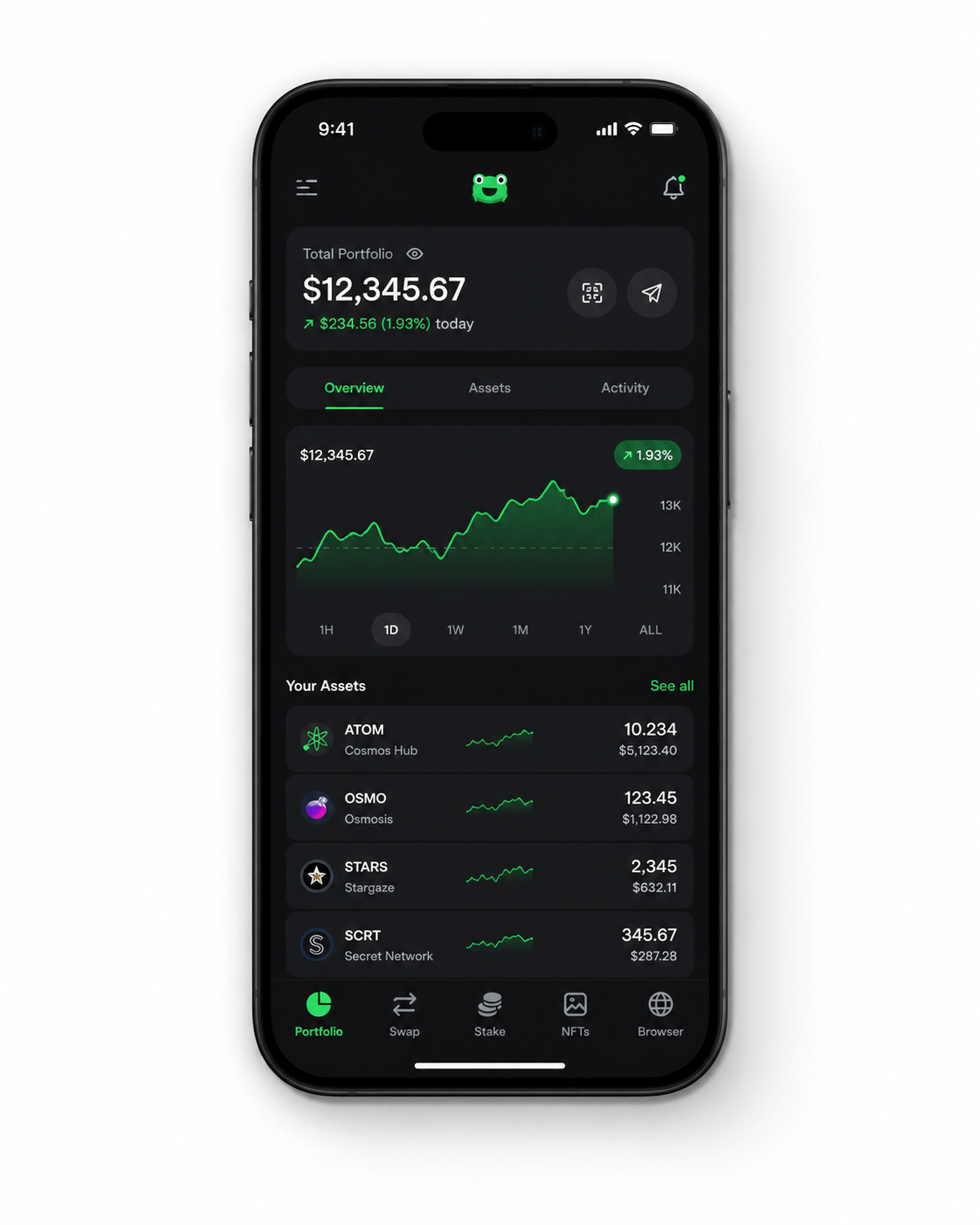
How to move Leap Wallet to a new phone or computer
You will need your recovery phrase from the old device. If you do not have it written down, get it first from the old wallet (Settings → Show recovery phrase) before you uninstall anything.
Back up the recovery phrase on the old device
Open Leap, go to Settings, and reveal the recovery phrase. Write it down on paper. Do not screenshot it. Without this phrase you cannot migrate.
Install Leap on the new device
Download from the official app store or Chrome Web Store. Confirm the publisher is “Leap Wallet” before installing.
Choose “Use an existing wallet”
On the first launch, pick the import option — not “Create a new wallet”. Creating a new wallet would give you a fresh, empty account with a new phrase.
Enter your recovery phrase
Type the 12 or 24 words in order. The wallet checks each word as you type and warns about misspellings before you can continue.
Set a fresh password for this device
The new device gets its own local password. It is fine for it to be different from your old device — only the phrase needs to stay the same.
Verify everything migrated
Check balances, NFT collections, and staking positions on the new device. Once you have confirmed everything is there, you can uninstall Leap from the old device if it is being decommissioned.
Migration safety checklist
Leap Wallet migration FAQ
Start the migration
Install Leap on the new device, then open the connect page below to enter your recovery phrase. The whole move takes about three minutes.
Connect Wallet